
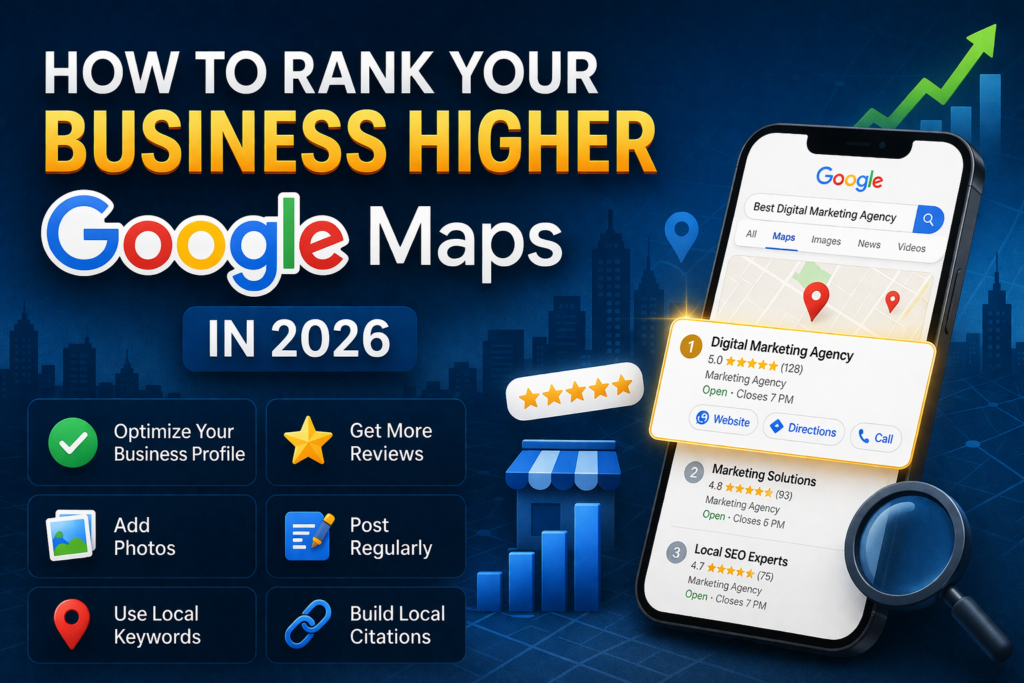
If your business is finally showing on Google Maps but still not getting calls, clicks, or foot traffic, the issue is likely ranking.
Simply being listed is not enough.
To attract local customers, your business needs to appear in the top 3 Google Maps results, also known as the Local Pack.
In this blog, we’ll explain how to improve your Google Maps ranking and generate more leads.
1. Fully Optimize Your Google Business Profile
Your Google Business Profile is the foundation of local visibility.
Make sure every section is completed:
Business name
Primary category
Secondary categories
Address
Phone number
Website
Working hours
Services
Business description
Photos
Google prefers complete profiles over incomplete ones.
2. Choose the Right Business Category
This is one of the most important ranking factors.
For example:
SEO company → Internet marketing service
Restaurant → Restaurant
Dentist → Dental clinic
Choose the category that best describes your core service.
3. Get More Customer Reviews
Reviews are a major trust and ranking signal.
The more genuine positive reviews you have, the better your chances of ranking.
Best practices:
Ask customers after service completion
Share review link on WhatsApp
Respond to every review
Use keywords naturally in responses
4. Add High-Quality Photos Regularly
Google rewards active profiles.
Upload:
Office/store photos
Team photos
Service images
Before/after work samples
Client interaction photos
Fresh images improve engagement and ranking.
5. Use Local Keywords in Description
Include location-based keywords naturally.
Example:
“We provide digital marketing and local SEO services in Delhi, Noida, Gurgaon, and across India.”
This helps Google understand where you serve customers.
6. Keep NAP Consistent Everywhere
NAP = Name, Address, Phone Number
Your business information should be identical across:
Website
Google Business Profile
Justdial
IndiaMART
Sulekha
Social profiles
Inconsistent details can lower rankings.
7. Add Google Posts Weekly
Use Google Posts like mini blog updates.
Post about:
Offers
New services
Tips
Business updates
Festive promotions
Regular activity signals that your business is active.
8. Build Local Citations
List your business on trusted directories.
Examples:
Justdial
Sulekha
IndiaMART
Yelp
Facebook Business
Citations improve local authority.
9. Improve Your Website’s Local SEO
Google Maps ranking is also influenced by your website.
Optimize for keywords like:
SEO company in Delhi
digital marketing agency near me
local SEO services in India
Add:
service pages
location pages
contact page with map embed
10. Increase User Engagement
Google tracks actions like:
calls
direction requests
website clicks
photo views
Higher engagement = better rankings.
Encourage customers to interact with your listing.
Final Thoughts
Ranking on Google Maps is not just about having a listing.
It requires:
Optimization
Reviews
Local SEO
Consistent activity
The businesses that stay active and trusted are the ones Google ranks at the top.
FAQs – How to Rank Your Business Higher on Google Maps
Ranking on Google Maps usually takes a few weeks to a few months, depending on your competition, business category, reviews, and local SEO efforts. New listings may take longer, while optimized profiles with regular activity can improve faster.
The most important factors include:
complete Google Business Profile optimization
customer reviews and ratings
correct business category
location relevance
website local SEO
consistent NAP details
Reviews and profile completeness often make the biggest difference.
Yes, absolutely. More genuine positive reviews help increase trust and improve your local visibility on Google Maps. Businesses with consistent high ratings often rank better than competitors.
There is no fixed number. It depends on your local competition.
For example:
low competition areas: 10–20 reviews may work
high competition cities: 50–100+ reviews may be needed
Focus on getting quality reviews consistently rather than chasing a specific number.
Yes. Weekly posts, offers, updates, and new service announcements signal that your business is active. This can improve engagement and support better ranking performance.
Competitors may rank higher because they have:
more reviews
better ratings
stronger local SEO
more complete profile information
higher website authority
more user engagement (calls, clicks, directions)
Yes, you can rank using only your Google Business Profile listing, but having a well-optimized website significantly improves your chances of reaching the top positions.
Lorem ipsum dolor sit amet, consectetur adipisicing elit. Optio, neque qui velit. Magni dolorum quidem ipsam eligendi, totam, facilis laudantium cum accusamus ullam voluptatibus commodi numquam, error, est. Ea, consequatur.